THE REAL-LIFE BUYING GUIDE
Smart locks for renters: permission, door fit, and a backup plan
Understand permissions, door fit and backup access before changing how you get into your home.
Buying links currently go directly to official brand sites without affiliate tracking. Read our disclosure.
Letting a family member inside without hiding a spare key sounds convenient. In a rental, a smart lock is first a permission and compatibility question. The lease, existing hardware, building arrangements, and owner's requirements matter. Agree what may be changed and who must retain access before selecting a model. Then think about residents without phones and how entry works when a battery or connection fails.
The quick shortlist
| Your situation | What to look for | The tradeoff |
|---|---|---|
| Approved existing deadbolt | Compatible interior retrofit May preserve existing exterior hardware when permitted. | Exact compatibility and landlord permission are still necessary. |
| Visitors without apps | Supported keypad Makes authorized entry more direct. | Check code management, positioning, and battery care. |
| Occasional remote entry | Documented remote-control setup Fits a specific need to manage access away from home. | Bridges or service dependencies can increase the total cost. |
Get specific permission
Ask about replacement hardware, interior retrofit mechanisms, keypads, and attachments. A product described as removable can still conflict with the lease or building requirements. Confirm maintenance and landlord access. Keep restoration requirements clear. Do not mistake a renter-friendly marketing description for permission to modify a particular entrance.
Check exact door fit
Use the maker compatibility instructions for lock type, thickness, dimensions, handing, and clearances. A sticking deadbolt can indicate a door problem that connected controls will not fix. Do not assume a model intended for a common residential deadbolt works with a multipoint system or shared-building entrance. Address fit before smart features.
Choose how people enter
Phone entry, a keypad, and a physical key serve different situations. Think about children, late guests, hands full of shopping, and empty phone batteries. Check temporary-code controls and removal. A complex app should not be the only practical entry method for a household with varied routines and comfort levels.
Separate nearby from remote access
Operation near the door and remote control across town are different features. Remote use may require Wi-Fi, a bridge, or a compatible controller. Read the exact feature table and battery guidance. Pay for that connection only when you have a clear use case, rather than assuming every badge will be useful.
Write down the fallback
Read the documented method for depleted batteries, lost connectivity, and emergency entry. Keep permitted backup access available to an appropriate person. Remove guest permissions and review accounts when residents change. A connected lock adds convenience and access management; it does not replace suitable door hardware, sound installation, or normal household security habits.
Check the exact version before ordering
Product families can contain versions with different connections, included accessories, or regional requirements. Open the official manufacturer's current information and compare the model identifier with the item in your basket. Read the setup and compatibility instructions before paying. A discount is less useful if the missing accessory costs more than expected or the device cannot join the system you already use. Include batteries, mounting parts, hubs, and any ongoing service in the total cost.
Choose a seller with clear return terms, and keep the packaging until you have checked physical fit, setup, and the everyday controls. Use the manufacturer's supported installation method rather than improvising around a missing bracket or an unsuitable power supply. If the setup is more complicated than the job it solves, a simpler conventional product may be the better purchase.
How these recommendations were made
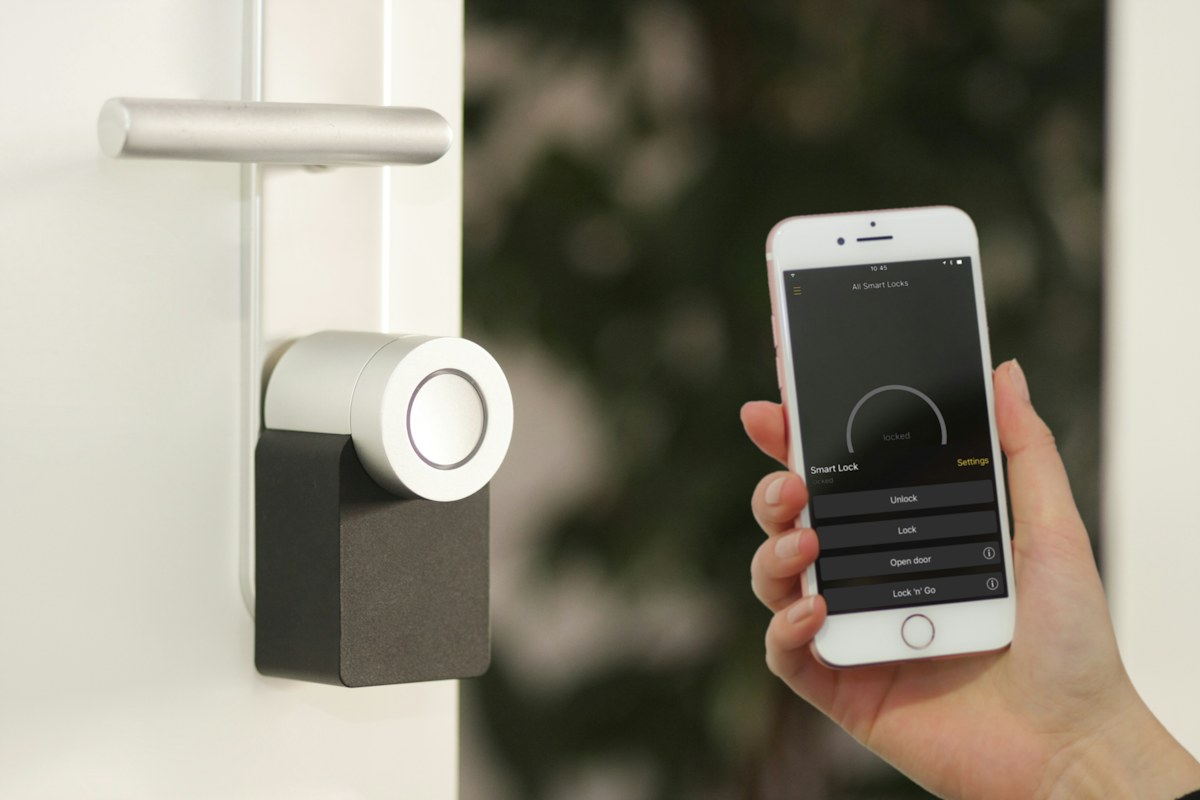
This is a scenario-based buying guide informed by published manufacturer resources. It does not claim hands-on testing, measured performance, or a numerical product ranking. The recommendations explain which product type may fit a household routine and where the tradeoffs arise. Follow the source links to check the current product range and exact requirements; availability and feature support can change. An editorial scene illustrates the setting, rather than proving that a particular model has been tested there.
Compare the official options
Use these manufacturer pages to confirm the exact model, compatibility, return terms and current price. A range may include products with different features; check the individual listing before buying.
Browse Google connected home door-lock resources ↗Common questions
Can every rental use one?
No. Get permission and check door hardware, building rules, and restoration requirements.
Does it eliminate a key?
Backup arrangements vary. Read the specific model's emergency-entry instructions before purchase.
Will it work without internet?
Check documented local entry methods and the exact features that depend on connectivity.
Sources & further reading
Manufacturer information checked November 5, 2026. Recommendations about fit are editorial judgments; specifications and availability can change.
Photography: Unsplash license. View image source.
Spotted an error? Send a correction.
Keep Exploring

Smart plugs for lamps: a simpler evening routine
Make the evening lamp routine simpler while checking appliance limits, manual controls and shared access.
Read the guide →
Smart bulbs for renters: upgrade the light, keep the lease simple
Choose useful lighting without replacing fixtures or making everyday switches harder to use.
Read the guide →
Robot vacuums for pet homes: buy for the daily mess
Match floor care to pet hair, clutter and the maintenance you can realistically keep up with.
Read the guide →