THE REAL-LIFE BUYING GUIDE
Indoor cameras: useful views without overlooking household privacy
Balance a useful view of the home with consent, placement and practical privacy controls.
Buying links currently go directly to official brand sites without affiliate tracking. Read our disclosure.
You want to glance at the living room to see whether the dog is on the sofa. That is a specific task and deserves a specific camera view. It does not automatically justify recording every room. Agree with the people who live there about placement, operating times, access, and footage before buying. A practical camera purchase respects those boundaries and solves the narrow question that prompted it.
The quick shortlist
| Your situation | What to look for | The tradeoff |
|---|---|---|
| Pet check-ins | Fixed indoor camera Keeps one agreed area visible without moving viewpoints. | Placement still needs to avoid unwanted private areas. |
| Stored clips without a cloud plan | Model with documented local recording May fit a defined local storage routine. | Network behavior and card limitations need separate review. |
| Shared living area | Camera with clear privacy controls Makes the on-and-off arrangement easier to explain. | Controls help only when their behavior is understood. |
Choose the smallest useful view
A view of the pet bed may also capture a desk, window, or private doorway. Walk through the frame with household members. Avoid intimate spaces and think about visitors, carers, and cleaners who should know recording may occur. The widest available angle is not necessarily the most appropriate view for a room people share.
Separate storage and network questions
A memory-card slot does not answer every privacy question. Check accounts, cloud communication, remote viewing, and the maker's documented storage protections separately. Local storage also has practical limits: a full card, loss of power, or removal of the camera. Choose it for a defined recording workflow rather than treating a single label as proof of privacy.
Manage access deliberately
Use supported member controls rather than sharing one account password. Check who can view live video, retrieve clips, alter settings, or remove the camera. Use available account security and keep software updated. When a roommate moves out or temporary access ends, remove permissions as part of that household change.
Make privacy controls understandable
Read how any lens cover or shutter works. A status light alone is not a complete description of recording state. Test schedules and home-and-away functions instead of assuming they reflect everyone in the household. For occasional use, an accessible power control may be useful when people understand which functions stop as a result.
Buy for the actual check-in
Simple live viewing may be enough for occasional pet checks. Saved clips require a closer look at retention, export, and plan costs. Do not treat a consumer camera as a substitute for appropriate supervision or an emergency service. The useful purchase serves an agreed purpose and remains acceptable to those living in the space.
Check the exact version before ordering
Product families can contain versions with different connections, included accessories, or regional requirements. Open the official manufacturer's current information and compare the model identifier with the item in your basket. Read the setup and compatibility instructions before paying. A discount is less useful if the missing accessory costs more than expected or the device cannot join the system you already use. Include batteries, mounting parts, hubs, and any ongoing service in the total cost.
Choose a seller with clear return terms, and keep the packaging until you have checked physical fit, setup, and the everyday controls. Use the manufacturer's supported installation method rather than improvising around a missing bracket or an unsuitable power supply. If the setup is more complicated than the job it solves, a simpler conventional product may be the better purchase.
How these recommendations were made
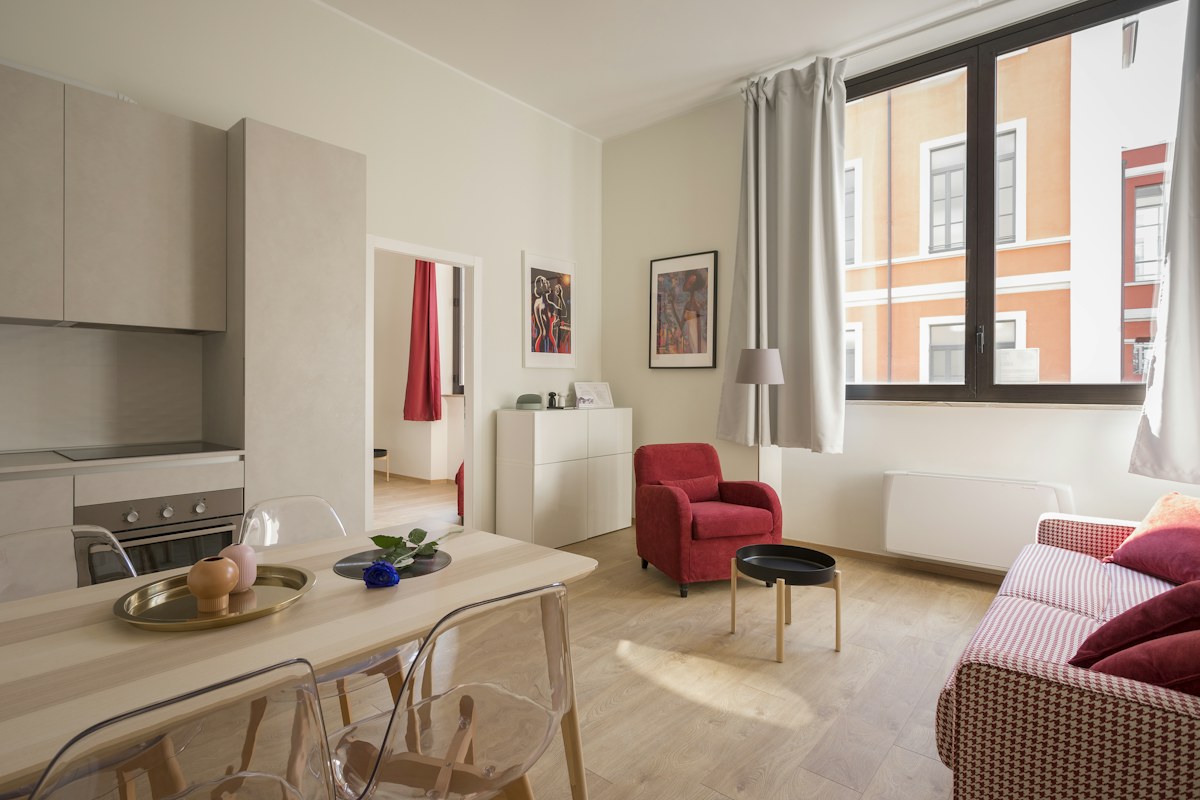
This is a scenario-based buying guide informed by published manufacturer resources. It does not claim hands-on testing, measured performance, or a numerical product ranking. The recommendations explain which product type may fit a household routine and where the tradeoffs arise. Follow the source links to check the current product range and exact requirements; availability and feature support can change. An editorial scene illustrates the setting, rather than proving that a particular model has been tested there.
Compare the official options
Use these manufacturer pages to confirm the exact model, compatibility, return terms and current price. A range may include products with different features; check the individual listing before buying.
Browse Google connected home cameras ↗Common questions
Is local recording automatically private?
No. Review access, network communication, accounts, updates, and storage controls separately.
Should I hide it to watch a pet?
Use a transparent household arrangement and check applicable requirements. Hidden views can capture people unexpectedly.
Do I need pan and tilt?
Only for a clear purpose. A fixed, carefully framed view can be easier to manage in shared rooms.
Sources & further reading
Manufacturer information checked November 5, 2026. Recommendations about fit are editorial judgments; specifications and availability can change.
Photography: Unsplash license. View image source.
Spotted an error? Send a correction.
Keep Exploring
Smart plugs for lamps: a simpler evening routine
Make the evening lamp routine simpler while checking appliance limits, manual controls and shared access.
Read the guide →
Smart bulbs for renters: upgrade the light, keep the lease simple
Choose useful lighting without replacing fixtures or making everyday switches harder to use.
Read the guide →
Robot vacuums for pet homes: buy for the daily mess
Match floor care to pet hair, clutter and the maintenance you can realistically keep up with.
Read the guide →